Webhooks are here!
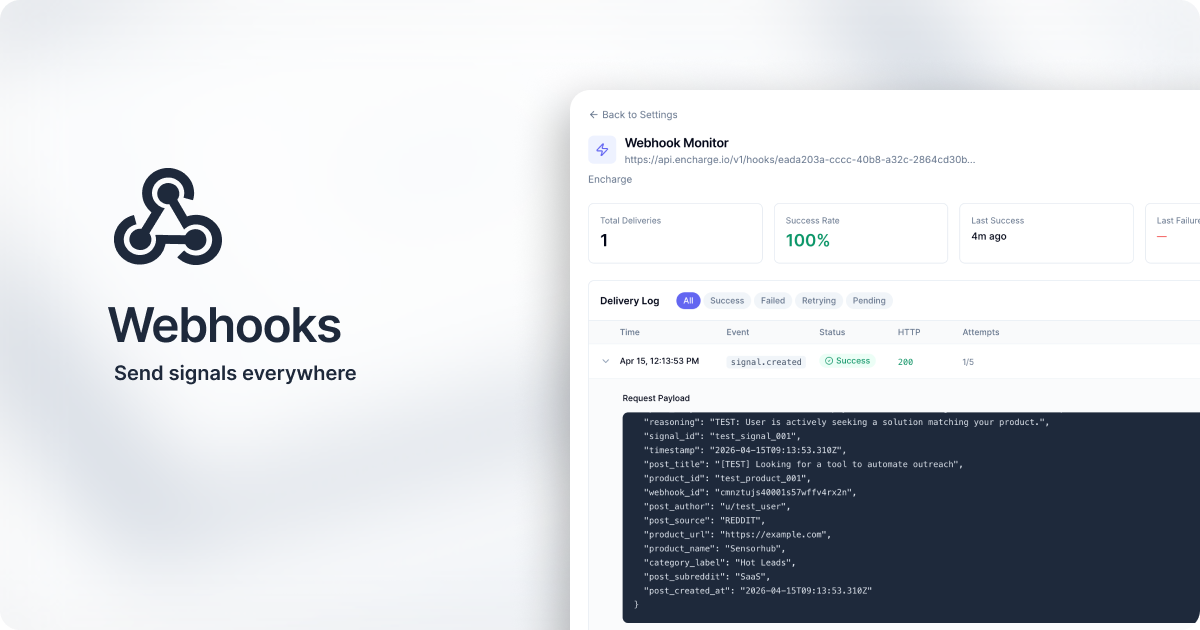
Sensorhub now sends signals to any tool that accepts webhooks - Clay, Make.com, Zapier, n8n, or your own endpoint.
Available on Pro (up to 3 webhooks) and Enterprise (up to 10).
Set Up Your First Webhook
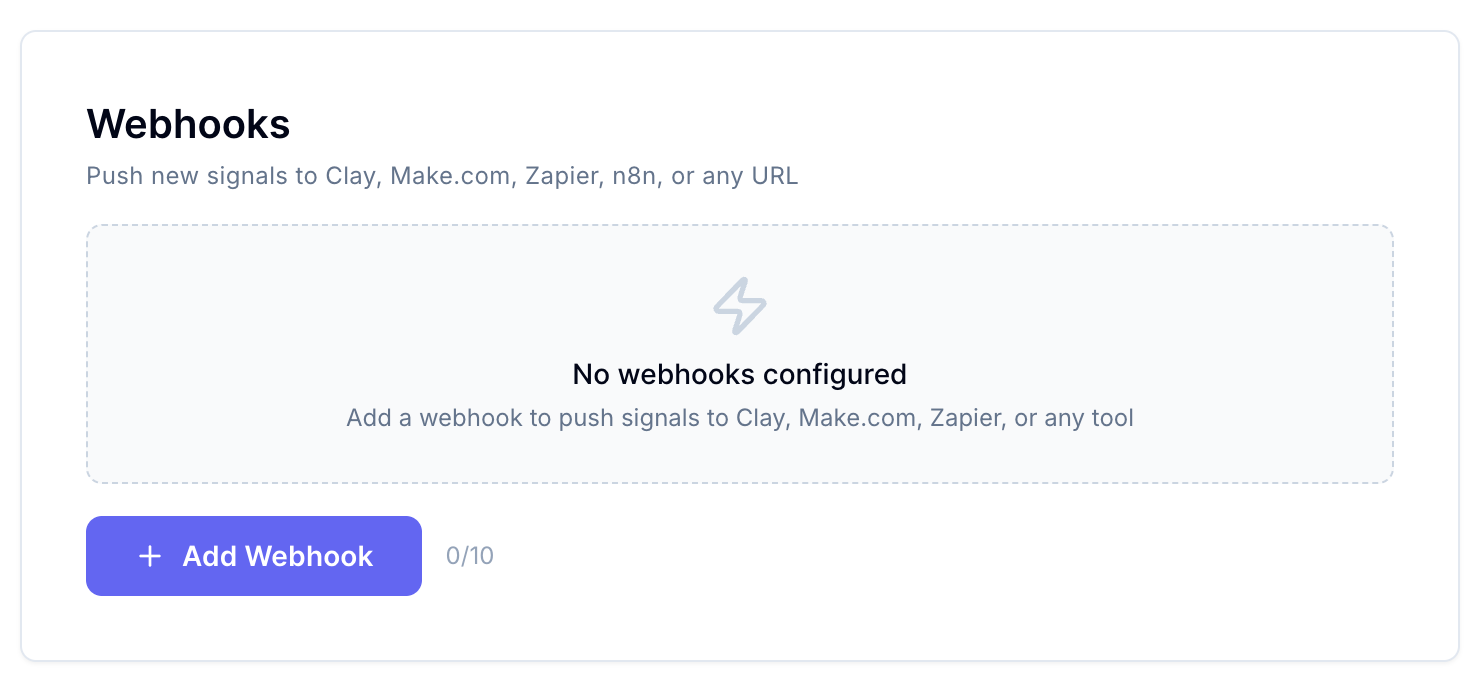
Go to your project's Settings and click "Add Webhook”:
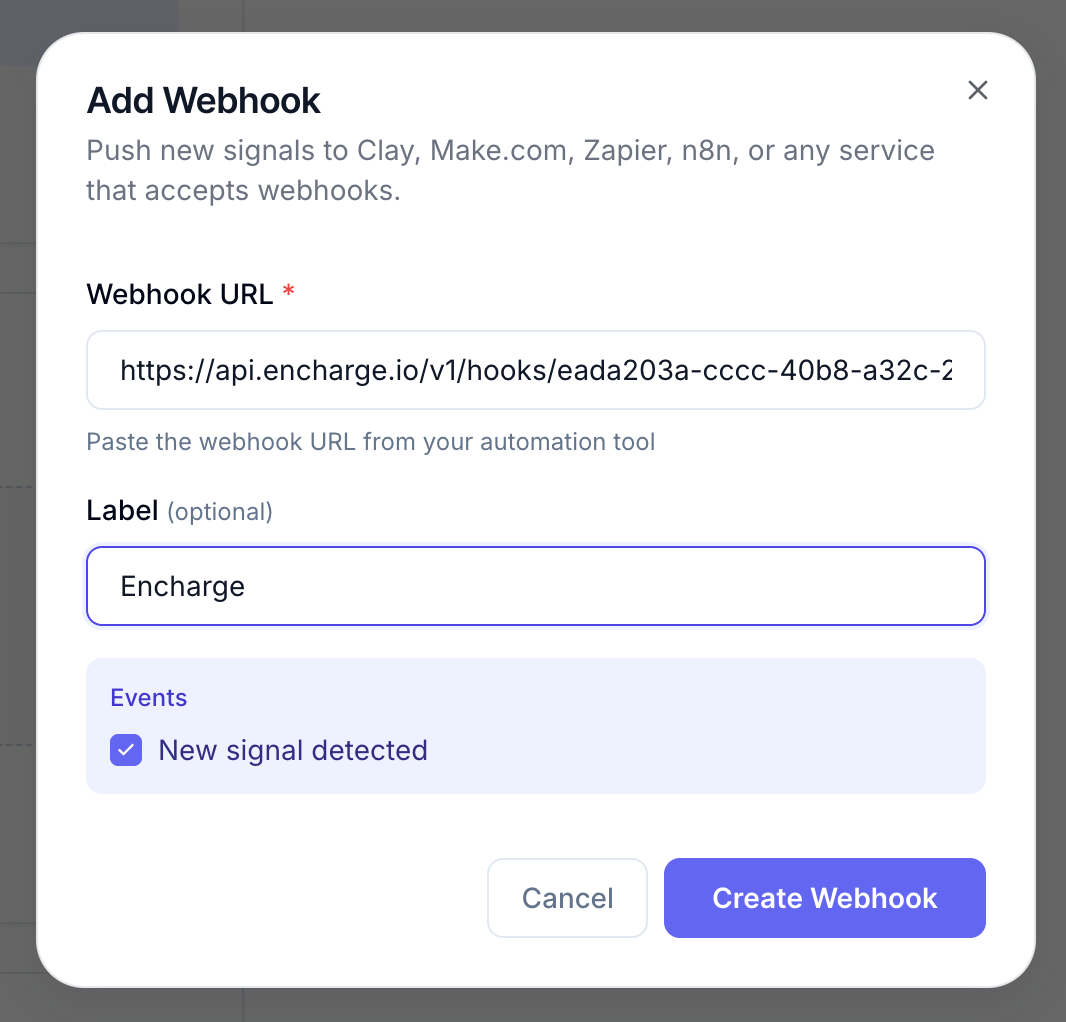
Paste the destination URL, and give it a name so you can tell your webhooks apart inside Sensorhub:
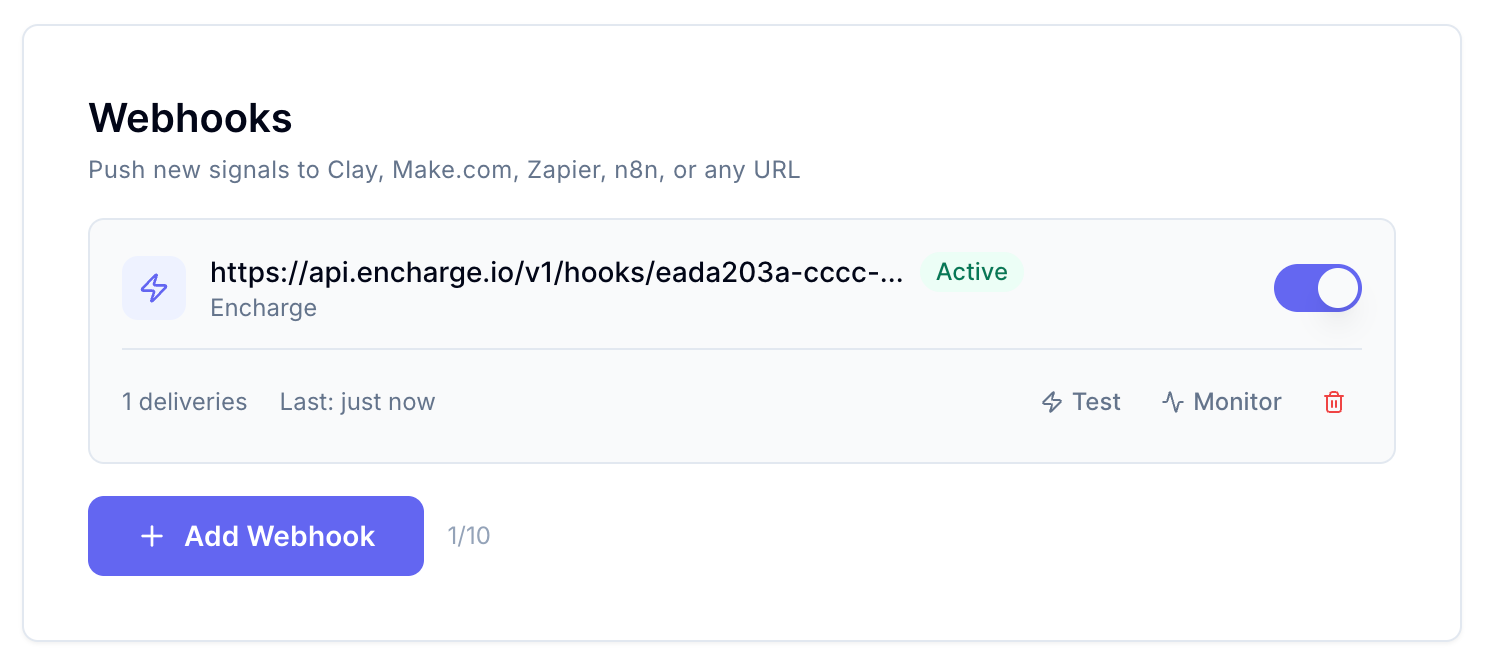
Hit "Test" to send a sample event and confirm the receiving app picked it up:
Here's what data we send on every signal:
{
  "event": "signal.created",
  "timestamp": "2026-04-15T09:13:53.310Z",
  "webhook_id": "cmnztujs40001s57wffv4rx2n",
  "signal_id": "test_signal_001",
  "product_id": "test_product_001",
  "product_name": "Sensorhub",
  "product_url": "https://example.com",
  "post_title": "[TEST] Looking for a tool to automate outreach",
  "post_body": "This is a test webhook payload. We are looking for a solution to help our team automate cold outreach and follow-ups.",
  "post_url": "https://reddit.com/r/SaaS/comments/test123",
  "post_author": "u/test_user",
  "post_source": "REDDIT",
  "post_subreddit": "SaaS",
  "post_created_at": "2026-04-15T09:13:53.310Z",
  "score": 0.92,
  "category": "hot_leads",
  "category_label": "Hot Leads",
  "reasoning": "TEST: User is actively seeking a solution matching your product."
}
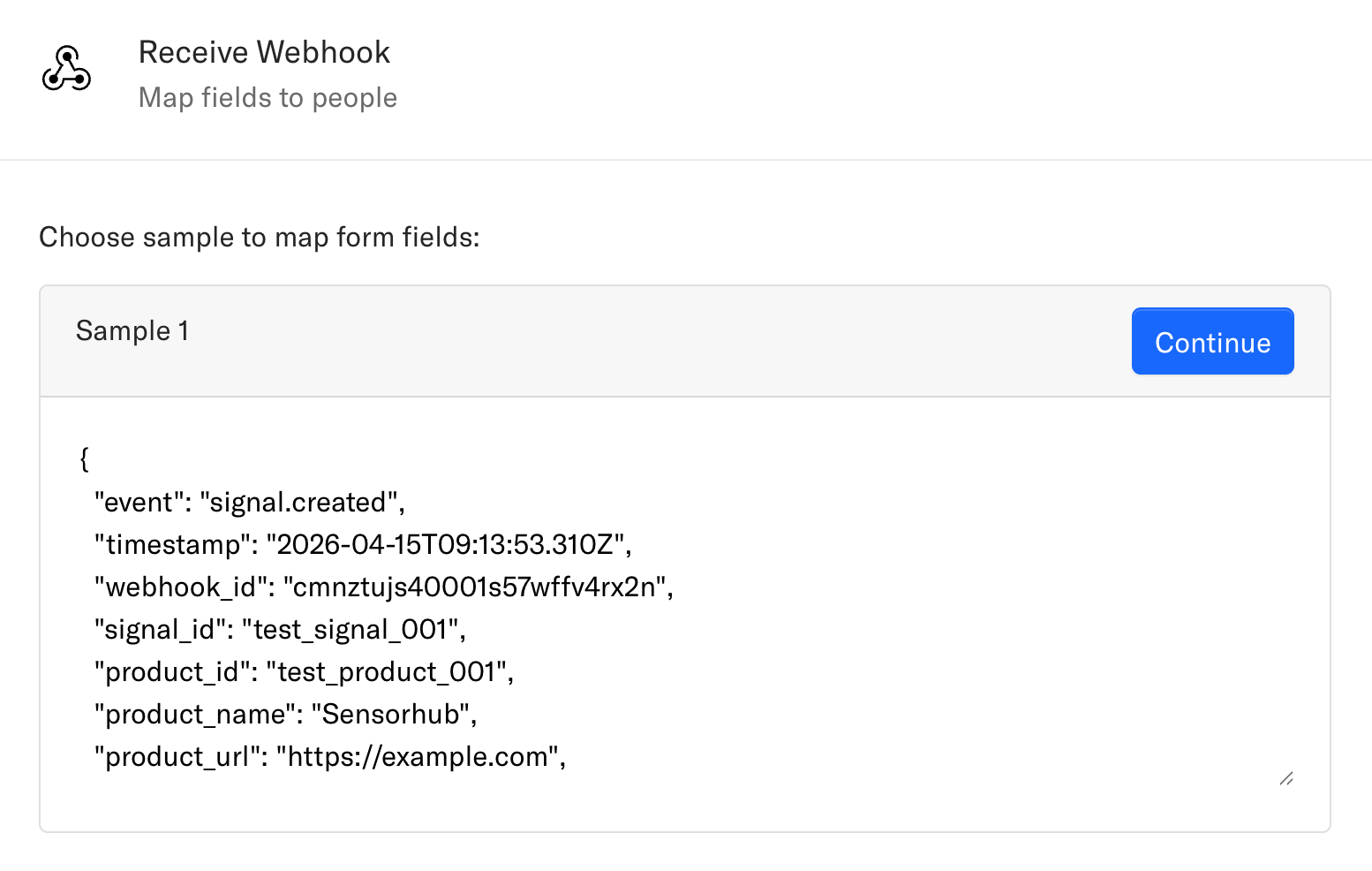
Make sure you receive the data successfully in your external app. Here’s an example from Encharge:
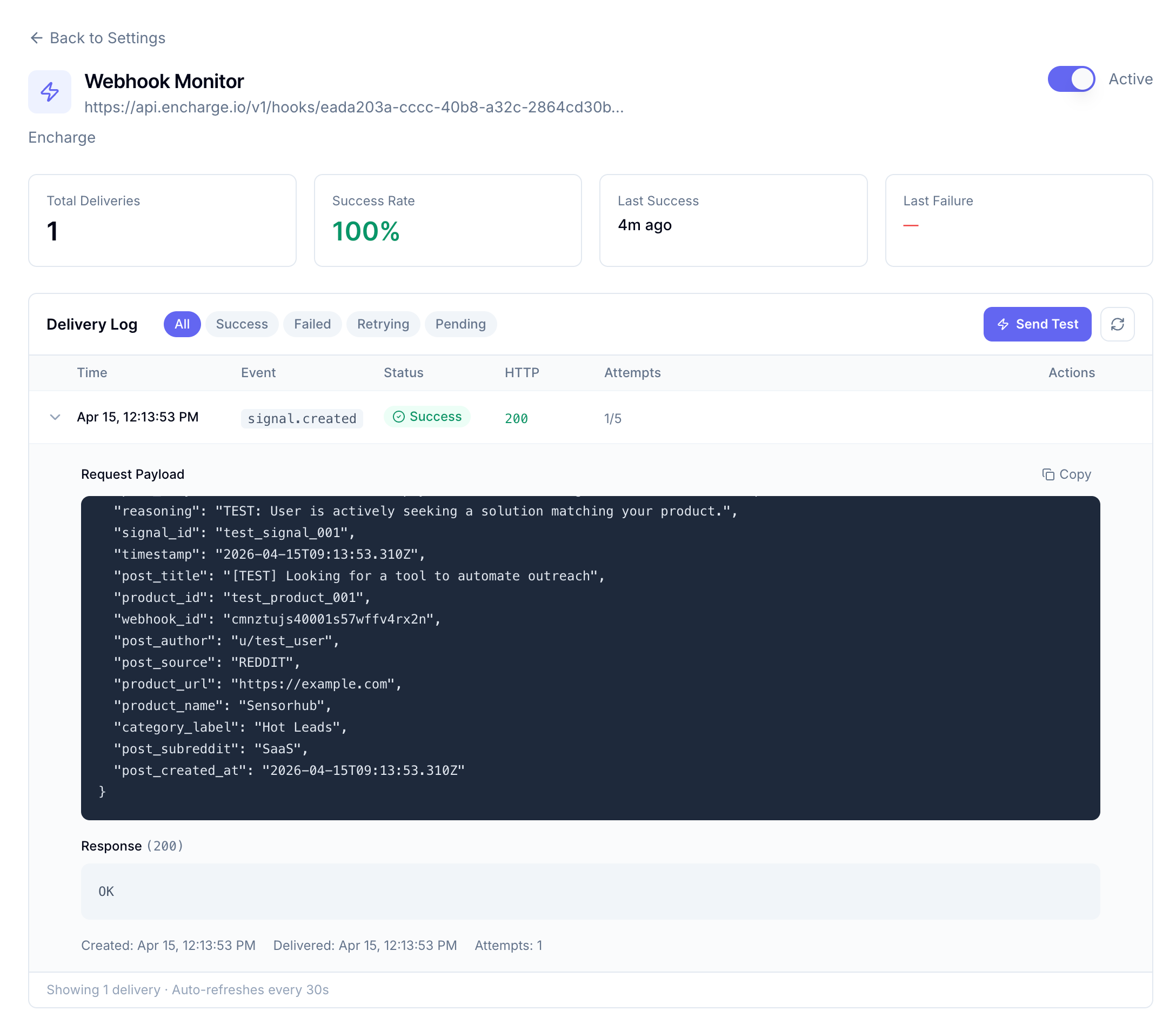
Once your webhook is live, the delivery log tracks every event with success and failure rates, so you can spot broken integrations before they cost you leads:
We are super excited to see what you make with this integration and what playbooks you implement with all the hundreds of signals!